
Table of Contents
IntroductionWhy Students Need AI Tools in 2025
Artificial Intelligence has moved from science fiction to study rooms. In 2025, students who use AI tools strategically aren't cheating — they're learning smarter. From drafting a first paragraph to decoding dense research papers, AI acts as a 24/7 tutor, editor, and brainstorming partner that never gets tired.
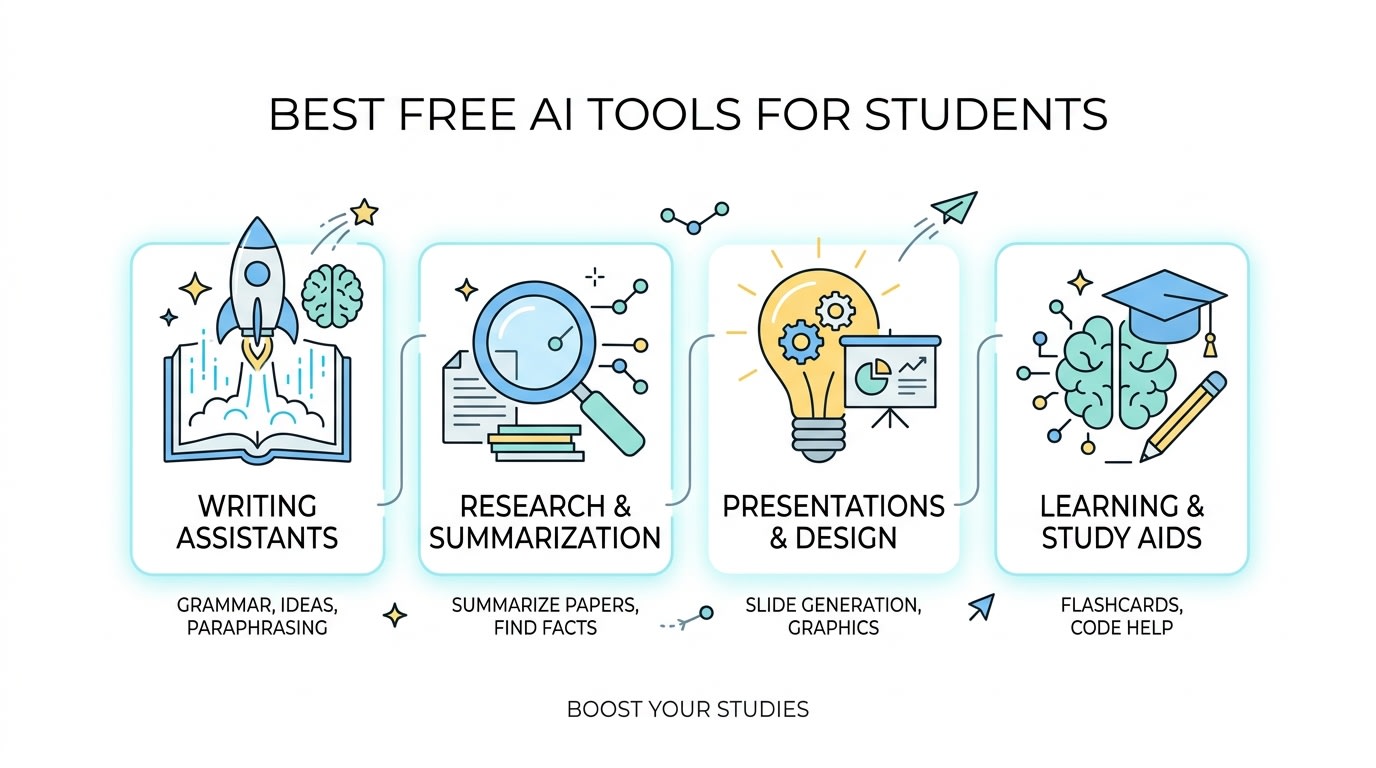
The best part? You don't need to spend anything. The free tiers of today's AI tools are more powerful than the paid tools from just two years ago. This guide breaks down the top free AI tools for students across five key categories — writing, research, math, productivity, and language learning.
Category 01AI Writing & Essay Tools
Staring at a blank page is one of the most universal student struggles. These AI writing tools help you break through writer's block, structure your arguments, and polish your prose — all for free.
ChatGPT's free tier (GPT-4o mini) is still one of the most versatile tools available. Ask it to outline your essay, suggest counterarguments, simplify complex concepts, or even roleplay as your professor to quiz you before exams.
- Explains difficult concepts in plain language
- Generates essay outlines, thesis statements, and topic sentences on demand
- Answers follow-up questions conversationally — like a real tutor
- Supports 50+ languages for multilingual students
Grammarly is every student's secret weapon for polished writing. Its free plan catches grammar errors, awkward phrasing, and unclear sentences in real time — right inside Google Docs, email, or your browser.
- Works as a browser extension — no copy-pasting required
- Explains why each suggestion is made, so you actually learn
- Tone detector helps match formality to assignment type
- Free plagiarism checker for submitted drafts
Claude is particularly impressive for academic writing. It tends to produce nuanced, well-structured responses that feel less robotic than other tools. Great for lit reviews, critical analysis, and any writing that requires depth over speed.
- Handles long documents — paste an entire chapter for analysis
- Produces well-argued, citation-friendly writing
- Excellent at breaking down dense academic texts
- More natural, conversational tone than many competitors
Category 02AI Research & Summarization Tools
Reading 40 PDFs for a literature review is nobody's idea of fun. These AI research tools pull out the key insights, summarize complex papers, and help you find credible sources — in minutes, not hours.
Perplexity is like Google, but it actually reads the sources for you. Ask any research question and it returns a synthesized answer with numbered citations so you can verify everything. A game-changer for building bibliographies.
- Every answer includes clickable source citations
- Searches the live web — perfect for current events and recent studies
- "Academic" mode pulls from scholarly sources like PubMed and arXiv
- Follow-up questions build on previous answers conversationally
Upload any research paper and Scholarcy extracts the key findings, methodology, limitations, and conclusions into a structured summary — complete with auto-generated flashcards for revision.
- Breaks down papers into Key Concepts, Methods, and Findings
- Extracts tables and figures with context
- Auto-links references to open-access sources
- Creates Anki-compatible flashcard exports
Enjoying this? Get more every week.
Join 10,000+ readers getting weekly AI tools, SEO tips, and automation guides.
Category 03AI Math & STEM Solvers
From algebra to advanced calculus, these AI tools don't just give you the answer — they walk you through every step so you actually understand how to solve the problem next time.
Wolfram Alpha has been the STEM student's best friend for over a decade. Enter any equation, integral, or physics problem and it shows the complete working — step by step. The free version alone covers the vast majority of undergraduate coursework.
- Solves calculus, linear algebra, statistics, and more with full steps
- Handles natural language — type problems as you'd say them
- Unit conversion, chemical equations, and data analysis built in
- Visualizes functions and plots graphs instantly
Photomath turns your phone camera into a math tutor. Point it at any handwritten or printed equation and watch it solve the problem with animated, step-by-step explanations. The free version covers arithmetic through basic calculus.
- Works offline — no internet required for most problems
- Supports handwritten equations (not just printed text)
- Multiple solving methods shown for the same problem
- Available on iOS and Android
Category 04AI Productivity & Organization Tools
Good grades aren't just about studying harder — they're about studying smarter. These AI tools help you manage your time, take better notes, and stay on top of deadlines without burning out.
Never miss a key point in a lecture again. Otter.ai transcribes your classes in real time, identifies speakers, highlights key moments, and lets you search the entire transcript after class. The free plan gives you 300 minutes of transcription per month.
- Live transcription with speaker identification
- Syncs with Zoom and Google Meet for online classes
- Full-text search across all your transcripts
- Summary generation from long recordings
NotebookLM is unlike most AI tools — instead of using general knowledge, it only answers questions based on the sources you upload. Perfect for studying from lecture slides, textbooks, or your own notes without hallucinations about content that isn't there.
- Answers questions only from your uploaded documents
- Generates study guides, FAQs, and timelines from your materials
- Creates Audio Overviews — podcast-style summaries of your notes
- Completely free with a Google account
Category 05AI Language Learning Tools
Duolingo uses AI to personalize your language learning path based on your mistakes, pace, and strengths. Its free tier is fully functional — covering vocabulary, grammar, listening, and speaking across 40+ languages.
- Spaced repetition ensures you remember what you learn
- AI adjusts lesson difficulty based on your progress
- Speaking exercises with AI pronunciation feedback
- 5–10 minutes a day is genuinely effective for language retention
At a GlanceFree AI Tools Comparison Table
| Tool | Best For | Free Plan? | Works Offline? | Mobile App? |
|---|---|---|---|---|
| ChatGPT | Writing, Q&A, Brainstorming | ✓ Yes | ✗ No | ✓ Yes |
| Claude | Essays, Long-form Analysis | ✓ Yes | ✗ No | ✓ Yes |
| Grammarly | Grammar & Editing | ✓ Yes | ✗ No | ✓ Yes |
| Perplexity AI | Research with Citations | ✓ Yes | ✗ No | ✓ Yes |
| Wolfram Alpha | STEM Problem Solving | ✓ Yes | ✗ No | ✓ Yes |
| Photomath | Math Step-by-Step | ✓ Yes | ✓ Yes | ✓ Yes |
| Otter.ai | Lecture Transcription | ✓ 300 min | ✗ No | ✓ Yes |
| NotebookLM | Studying Your Notes | ✓ Yes | ✗ No | ✗ No |
| Duolingo | Language Learning | ✓ Yes | ✓ Partial | ✓ Yes |
Common QuestionsFrequently Asked Questions
Final Verdict
The free AI tools available to students in 2025 are genuinely extraordinary — and you'd be leaving a massive advantage on the table by not using them. Start with NotebookLM for studying your own materials, Perplexity for research, and Grammarly for polish. Layer in ChatGPT or Claude for brainstorming and concept explanation.
Remember the golden rule: AI is your study partner, not your substitute. The student who uses AI to learn faster will always outperform the student who uses it to skip learning entirely. Now go ace that exam. 🎓
Enjoying this? Get more every week.
Join 10,000+ readers getting weekly AI tools, SEO tips, and automation guides.

Pradeep Singh
Founder of TheAIPublisher. Helping marketers and business owners leverage artificial intelligence to grow faster.